
Update from Diablo 2.2 or 2.3 to Diablo 2
F.A.Q & Troubleshooting
Update from Diablo 2.2 or 2.3 to Diablo 2
F.A.Q & Troubleshooting
1. Update Cost: 19,00 Euros
2. Use Cas Studio 9.1.0 or higher
3. All Diablo 2.2 and 2.3 can be updated to Diablo 2
NOT Diablo Wi-Fi, NOT Diablo Wireless (Zig Bee).
4. Updatable with:
Cas Interface 2 +Plus
Cas Interface 3
Cas Interface 3 +Plus
5. PayPal Payments now enabled. Also you can pay with your credit card.
Details of Update Procedure
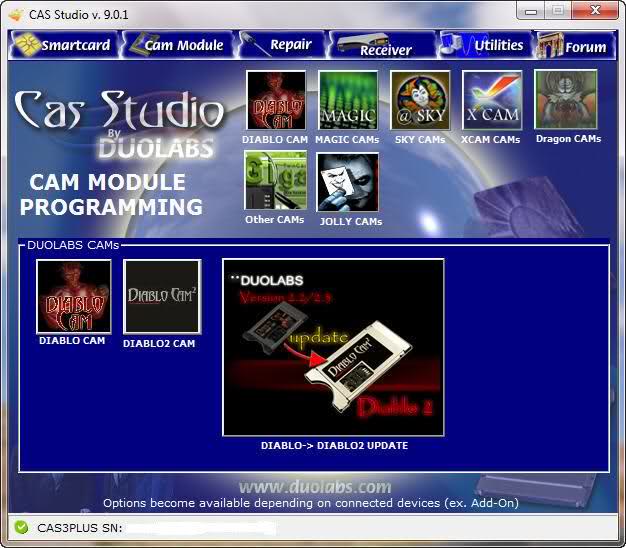
Step1: Open Cas Studio 9.1.0 or higher and press to "DIABLO->DIABLO2 UPDATE" Button
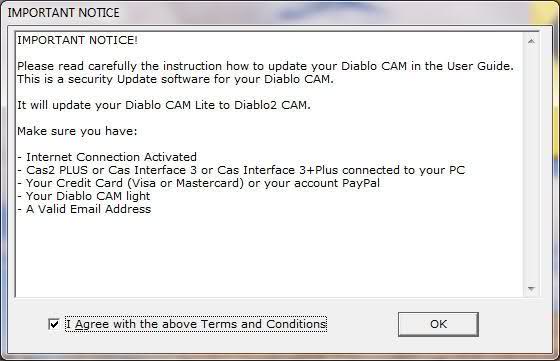
Step2: Accept Tems and Conditions
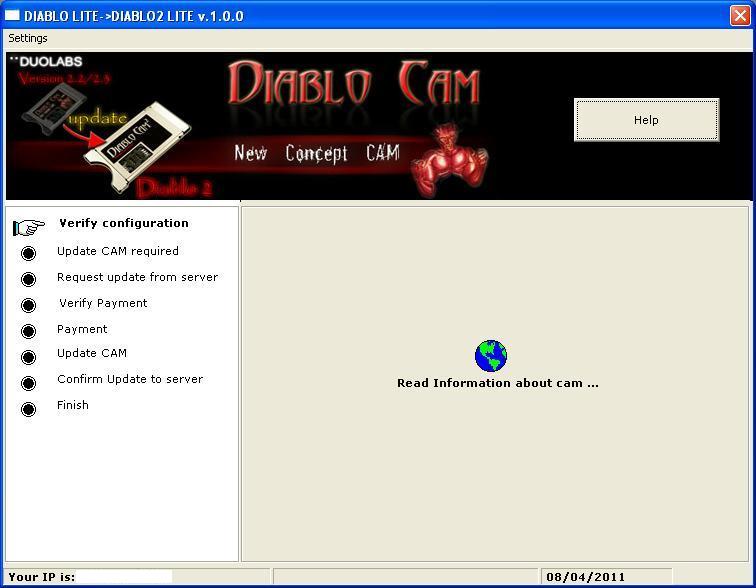
Step3: After accepts, you have to see these screen and if update server is ready, you have to see this message.
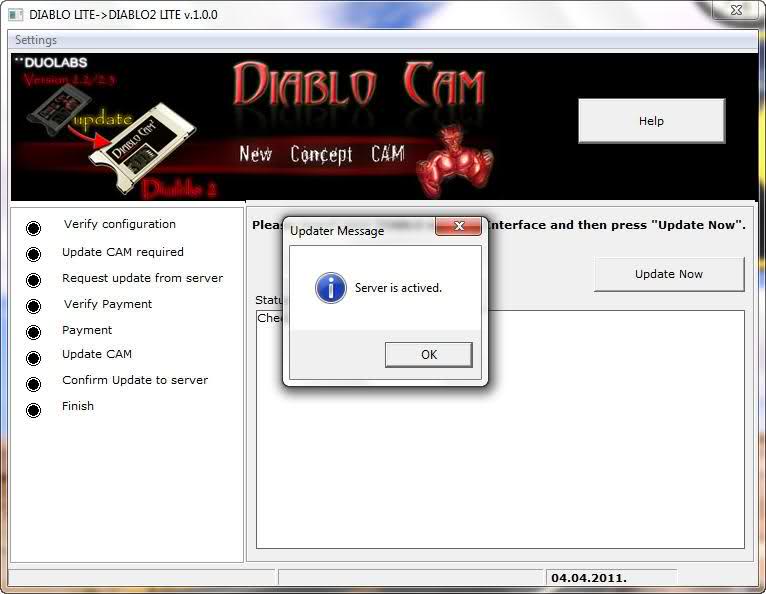
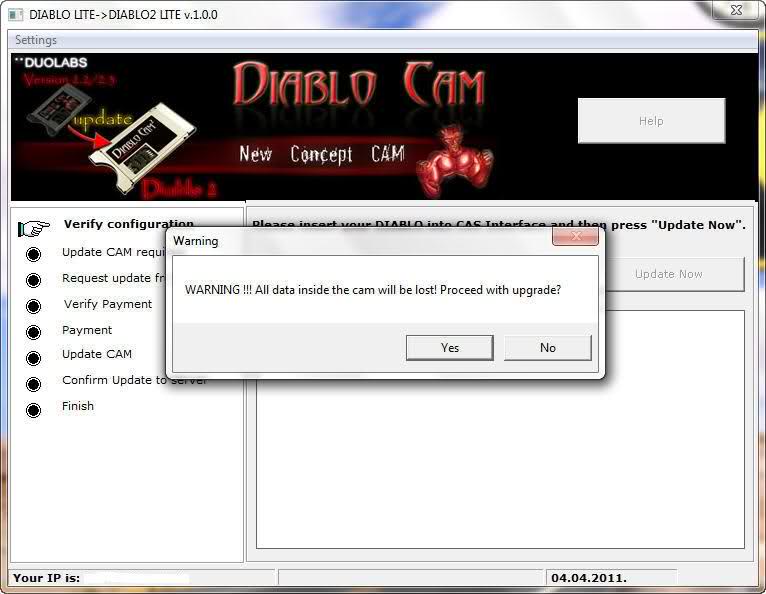
Step4: Now insert you Diablo 2.2/2.3 into CAS interface and then press "Update Now" Button.
A message inform you that the update procedure erase all data present into you cam. Press "Yes" and go to step 5.
Step5: Now start a pre-programming phase. After this go to Step 6.
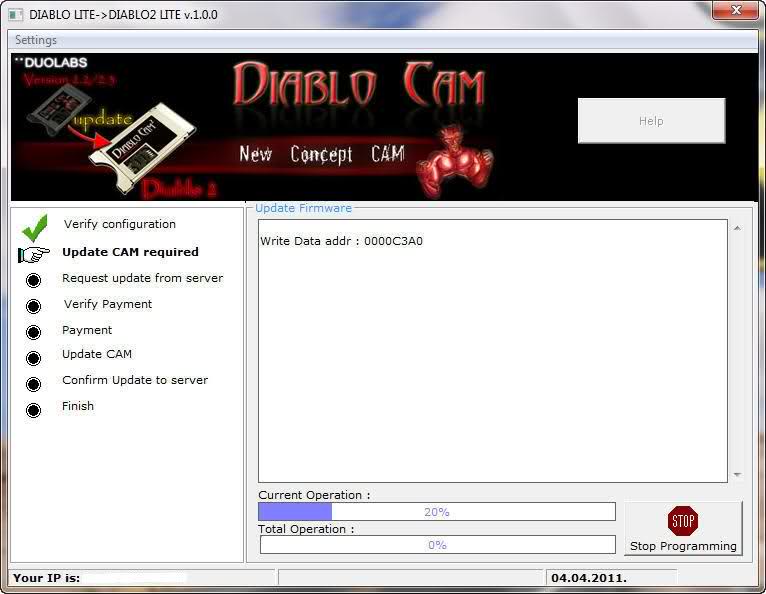
Step6: Now appears this screen (Figure 1) that inform you the update of this CAM is not paid. In the same time the program open in your
internet browser a page describe below(Figure 2).
IMPORTANT: First, you have to proceed with payment from the webpage opened in your
browser and, after this, press "I paid, continue with upgrade" in the screen shown
in Figure 1.
Please compile all fields correctly in the webpage, and specify a valid email, so
Duolabs can contact you if there is a problem !!!
Figure 1
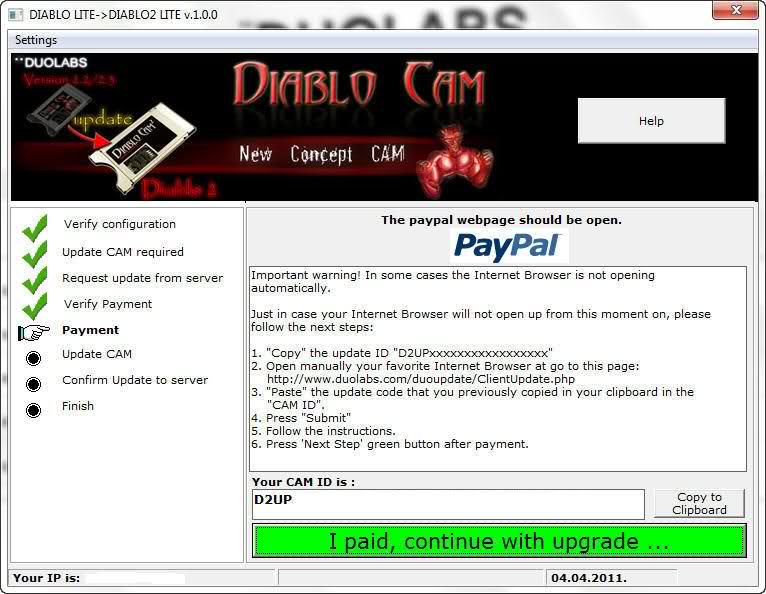
Figure 2:
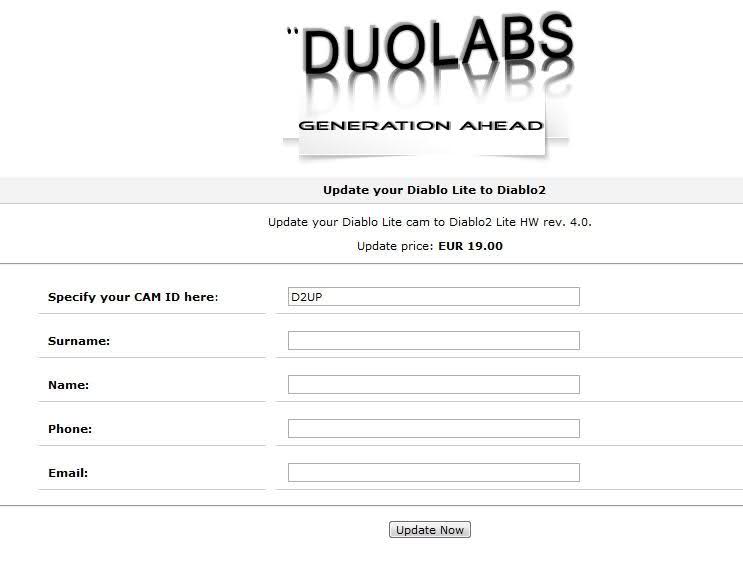
Step7: Once you have write fields correctly, you have to proceed with payment from PayPal website.
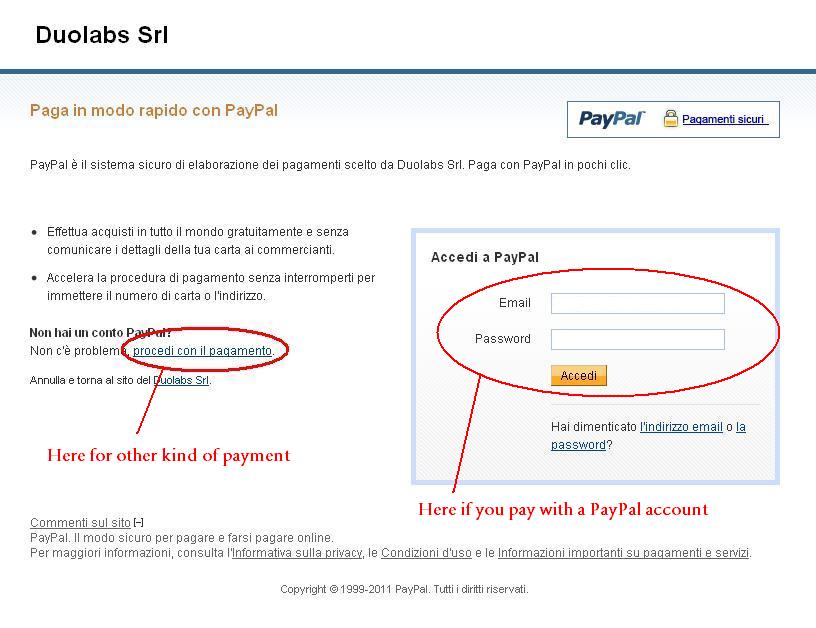
Step8: Once you have complete your payment, You have to press the button "I paid, continue with upgrade" from the screen of Cas Studio
program described in Figure 1 of step 7 and the program proceed with the upgrade, if you paid successfully.
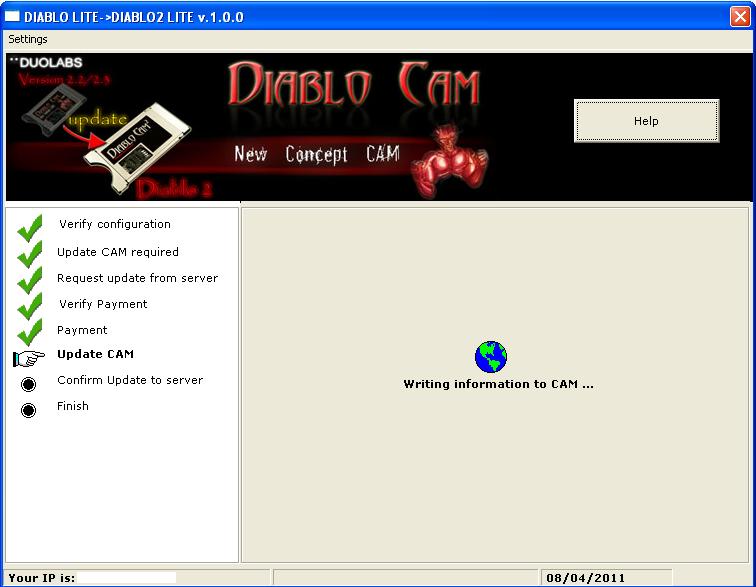
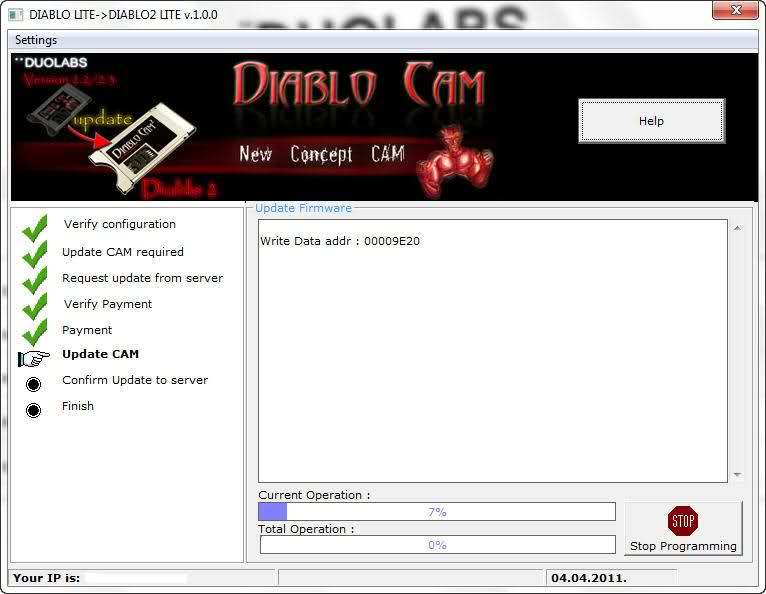
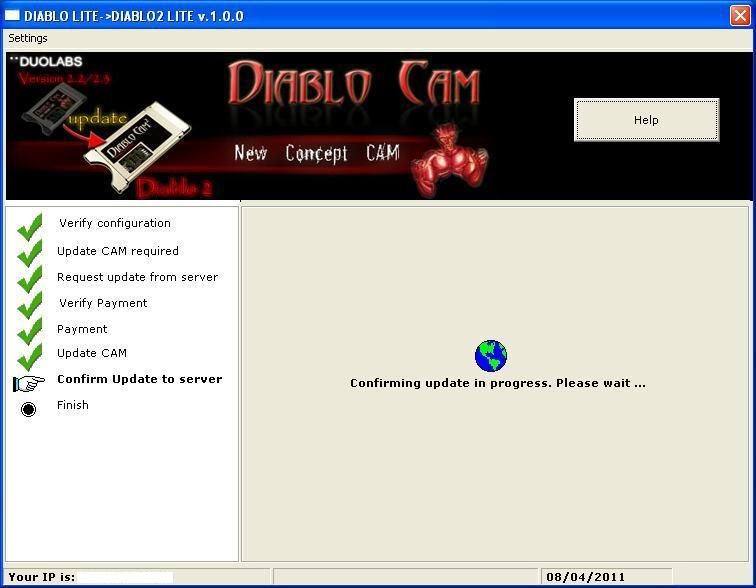
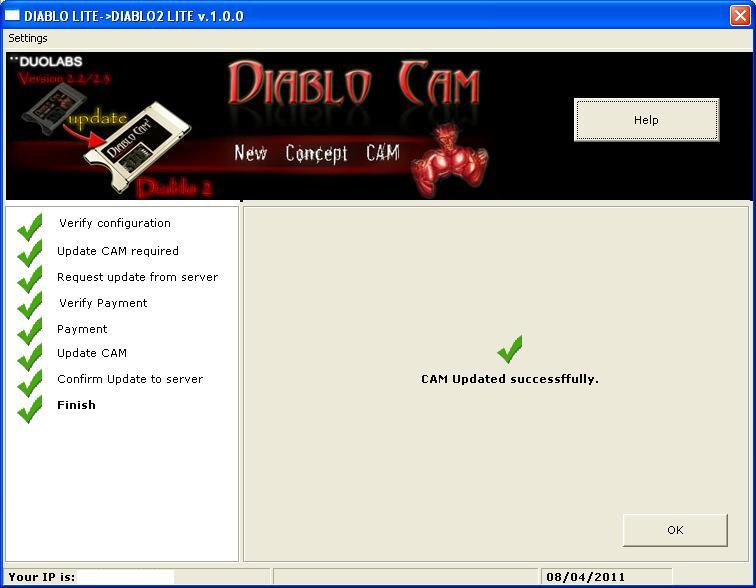
IMPORTANT: If there is a problem in this phase, for be sure that the update is
correct, retry with update procedure. If appairs the screen shown below, your cam is
updated correctly !!!
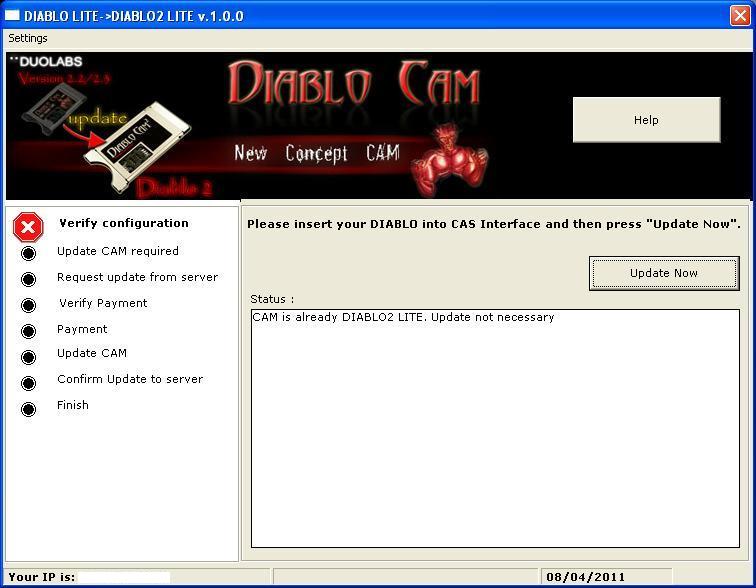
One a time your CAM is updated, for program it you have to use .d2u file not .dup
and use DIABLO2 programmer as shown below:

If you have carefully read all the above FAQ and you still do not find the answer to your question please contact us. |